DATABASE UPDATE
FOR TECHLA ENGRAVING MACHINES
Latest Version: June 2026
Keep your engraving machine up to date to make sure it recognizes all the latest tag styles.
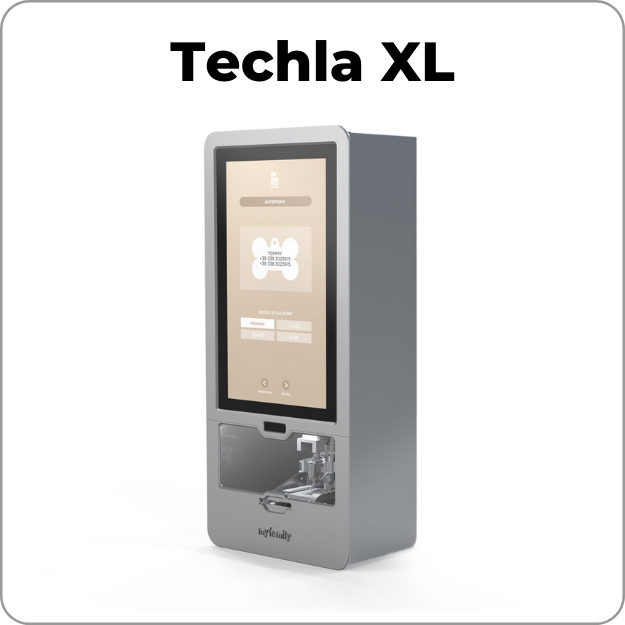
Which engraving machine do you have?
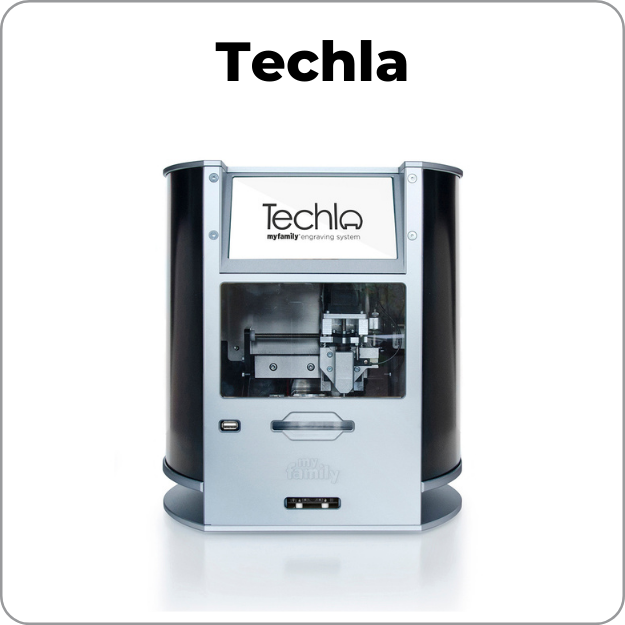
Techla
- After downloading the compressed update, unzip it and place the files that are in the folder onto your USB key.
- You should now have two items on your USB key: pictures and database.vrp
- The two items must not be inside a folder.
8 GB FLASH DRIVE OR UNDER REQUIRED
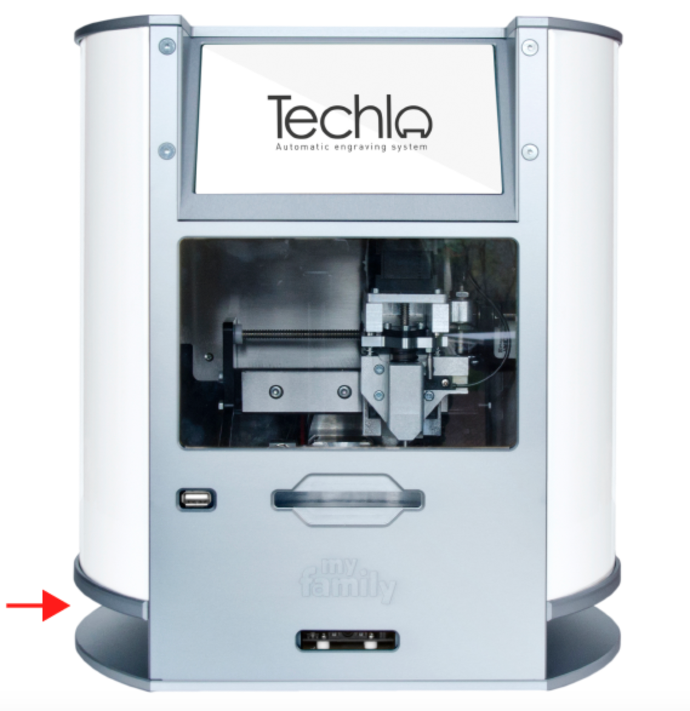
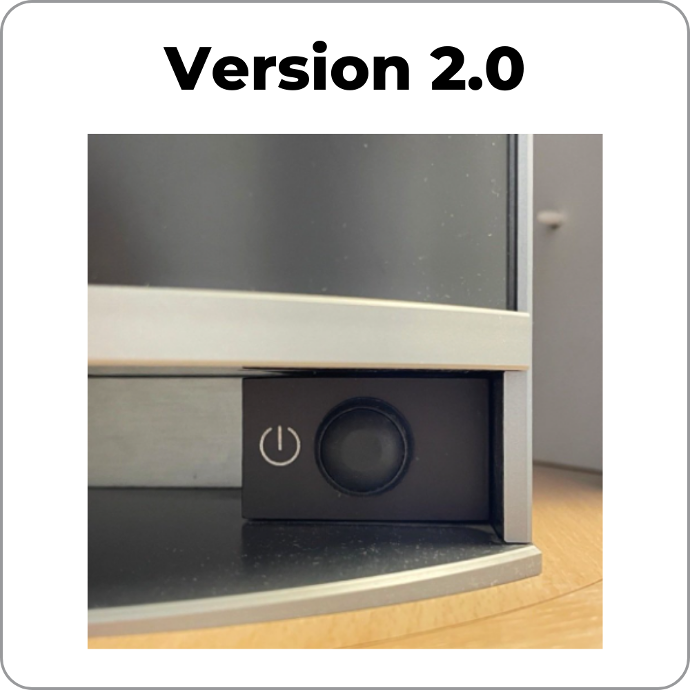
To determine which Techla version you have, find the power button on your machine. It is located at the bottom left of the machine between the two metal plates.
Click on the corresponding version below.